





|
|
HIGHWAY
SCENES to 3D FAST!
ACCIDENT DIAGRAM
Simultaneous 2D and 3D
Design
Virtual
photos from any Angle
AVATAR
Movie Maker (AVI, MOV, FLV,...)
Save ANIMATION to a video file
(AVI, FLV)
Panorama
Exporter (QTVR)
360º Virtual reality viewer
Order DOWNLOAD version!
|
|
|
 3D
EyeWitness TM
3D
EyeWitness TM
|
|
|
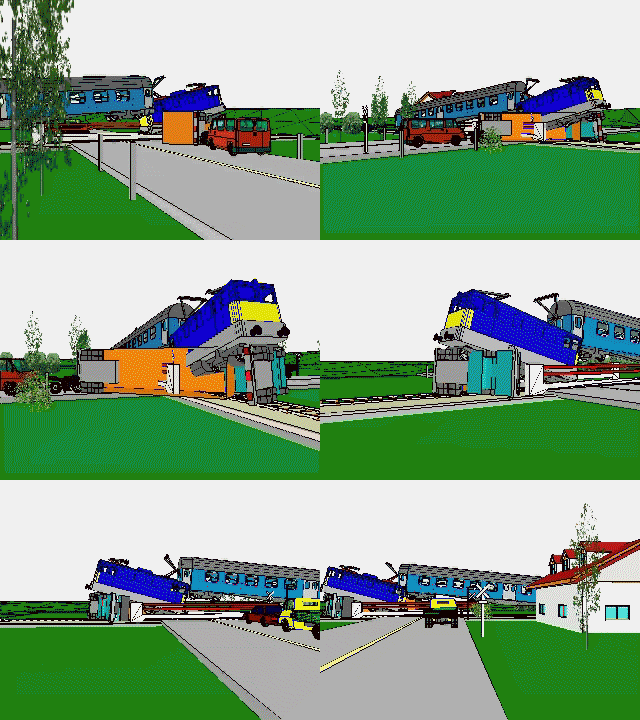
For the documentation of an accident scene
you will usually use the ACCIDENT, CARS, FIRE-CARS, MACHINES, AIRPLANE and
TRAFFIC libraries. |
DOCUMENTATION OF
AN ACCIDENT
SCENE
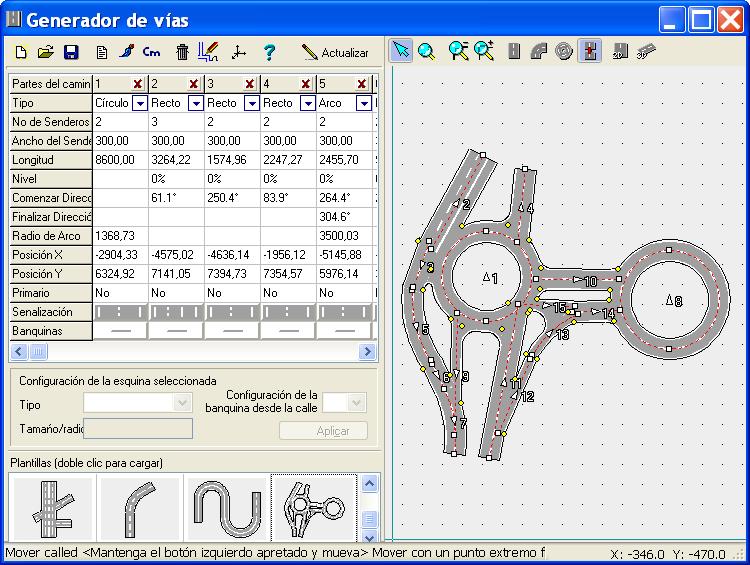
ROADCAD
feature allows
you to quickly draw streets and intersections. Simply specify the lanes and
other optional information, then apply this data to any line, arc, or curve to
create a street. ROADCAD feature includes pre-drawn templates of streets and
intersections too.
You can modify the pre-drawn streets and intersections or
use the ROADCAD feature to draw your own. You can create maps up to date - just
open the existing file with the diagram, make the changes and print a new copy!
You can also
document accident scenes with your 3D EyeWitness program.
|
|
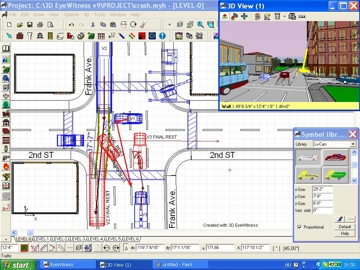
Quickly Dimension Entire
Scene !
3D EyeWitness dimension tool automatically
calculates distances at any angle or length. |
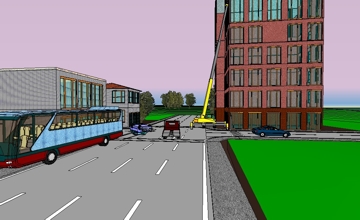
The easiest
way to draw the scene, the roads and intersections is to use ROADCAD module. It
is recommended that you work from a sketch of the scene. This makes examination
on the actual scene easier by placing the events of the accident on the road
plan. |
|
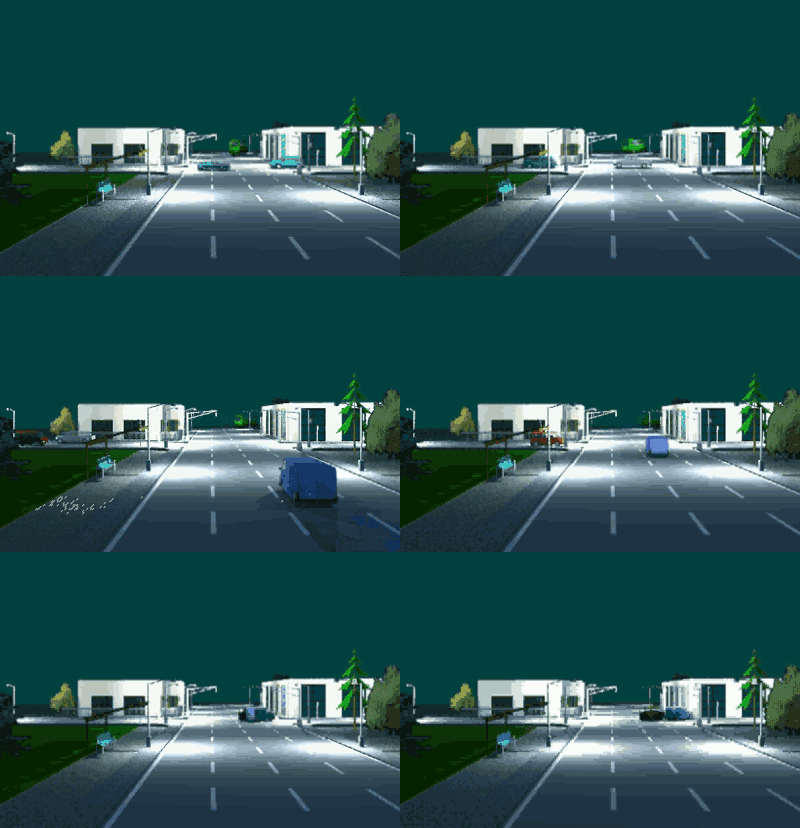
Don't delay, order
3DEyeWitness today. You'll get 2D and 3D
power, more than 1000 3D symbols, plus 3D
MovieMaker and Scene Inventory modules.
|
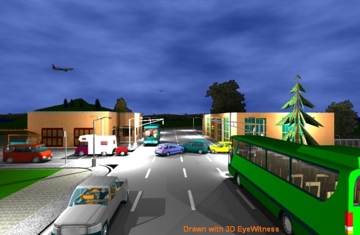
An accident reconstruction diagram with
Digital Camera image inserted into the diagram. Free DEMO! |
|
 |
DesignWare accepts credit cards, checks, and
even departmental purchase orders. Simply fill
out and return the
order
form.
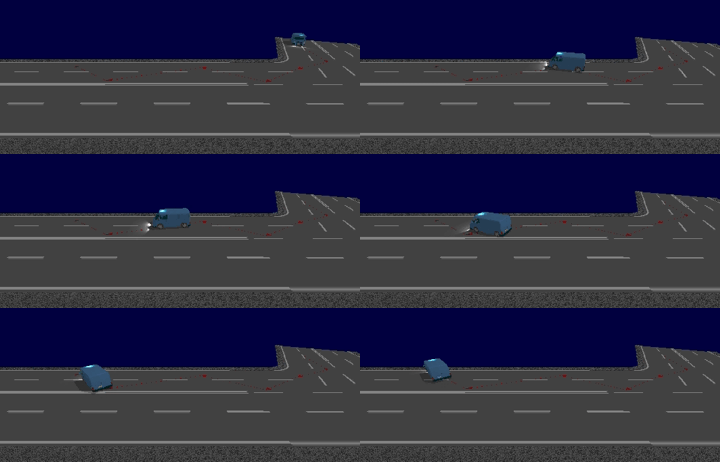
Don't delay, order
3DEyeWitness today. You'll get 2D and 3D
power, more than 1000 3D symbols, plus 3D
MovieMaker, Scene Inventory and ANIMATION modules.
|
System
requirements |
| Operating System |
Windows VISTA / 7 / 8 / 10 |
| Processor |
Minimum: Pentium 500
Recommended: Pentium or better
recommended. |
| RAM |
Minimum: 1 GB,
Recommended: 2 GB |
| Video display |
Minimum: Super VGA at 800x600 or higher
Recommended: OpenGL graphic
card or DirectX system |
| CD Rom |
4x or higher |
|
| Check out the article about
3DEyeWitness |
|

